A native control panel for your ESP32.
Describe gauges, charts, switches and sliders in a few lines of Arduino code. The espFace app draws them as a native screen and talks straight to the device over WiFi, Bluetooth or USB.
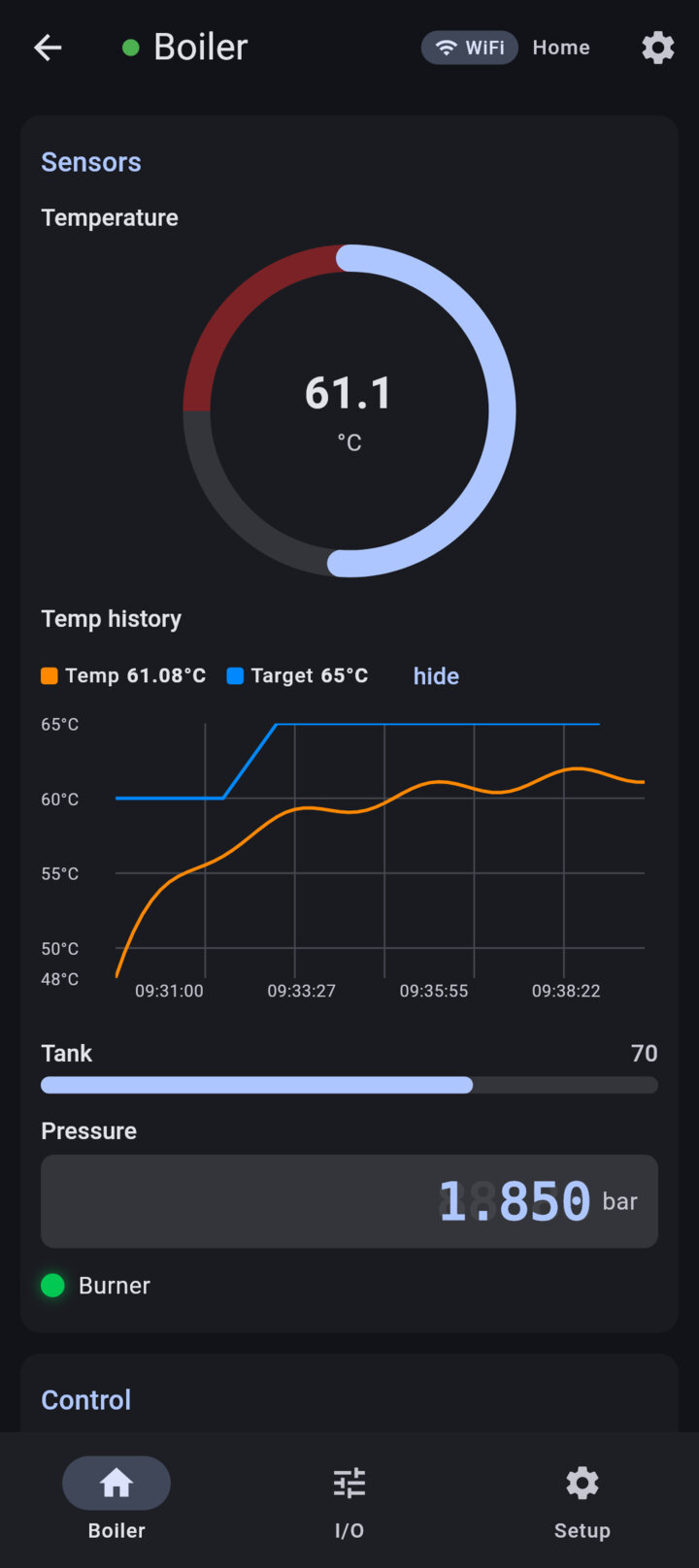
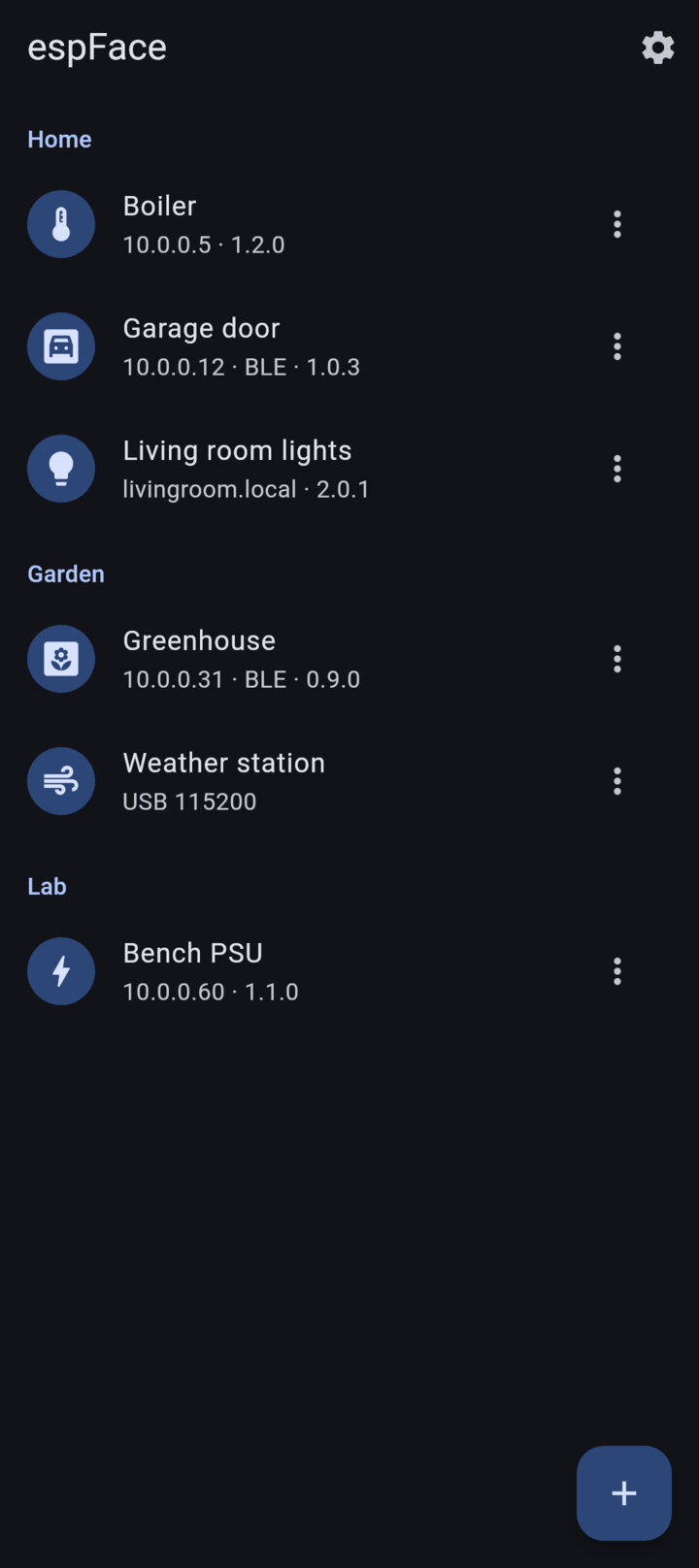
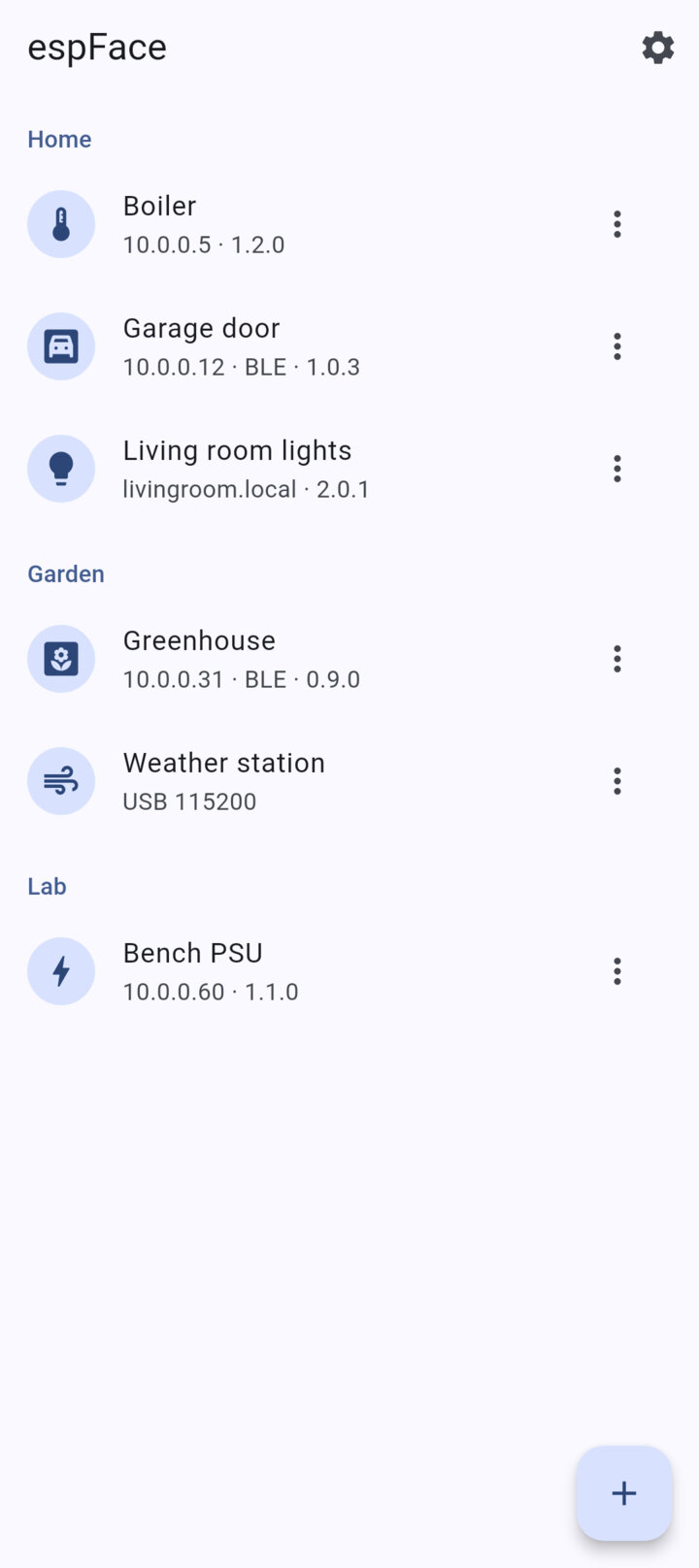
Describe gauges, charts, switches and sliders in a few lines of Arduino code. The espFace app draws them as a native screen and talks straight to the device over WiFi, Bluetooth or USB.
The device describes its own screen. There is no app to write, no HTML to serve by hand and no layout to maintain.
A sketch declares its widgets with the espFace Arduino library and gets callbacks when a value changes. Everything else, from the layout to the live updates, is handled for you.
Gauges, charts, LEDs, switches, sliders, joysticks, colour and time pickers, tables, logs, camera streams and maps, arranged in pages, groups and rows.
The same screen over the local network, Bluetooth LE, Bluetooth Classic or a USB OTG cable. Devices show up via mDNS, a Bluetooth scan or a plugged-in adapter.
A device can ask for a PIN. Pairing is a challenge-response handshake, so the PIN itself is never sent, and the session token stays in the phone's secure storage.
Every device brings its system pages: WiFi provisioning, firmware updates over the air, device info, PIN change, reboot and a serial console.
The phone talks straight to the device. No server in between, no sign-up, no analytics and no ads. App, library and protocol are free software under the MIT license.
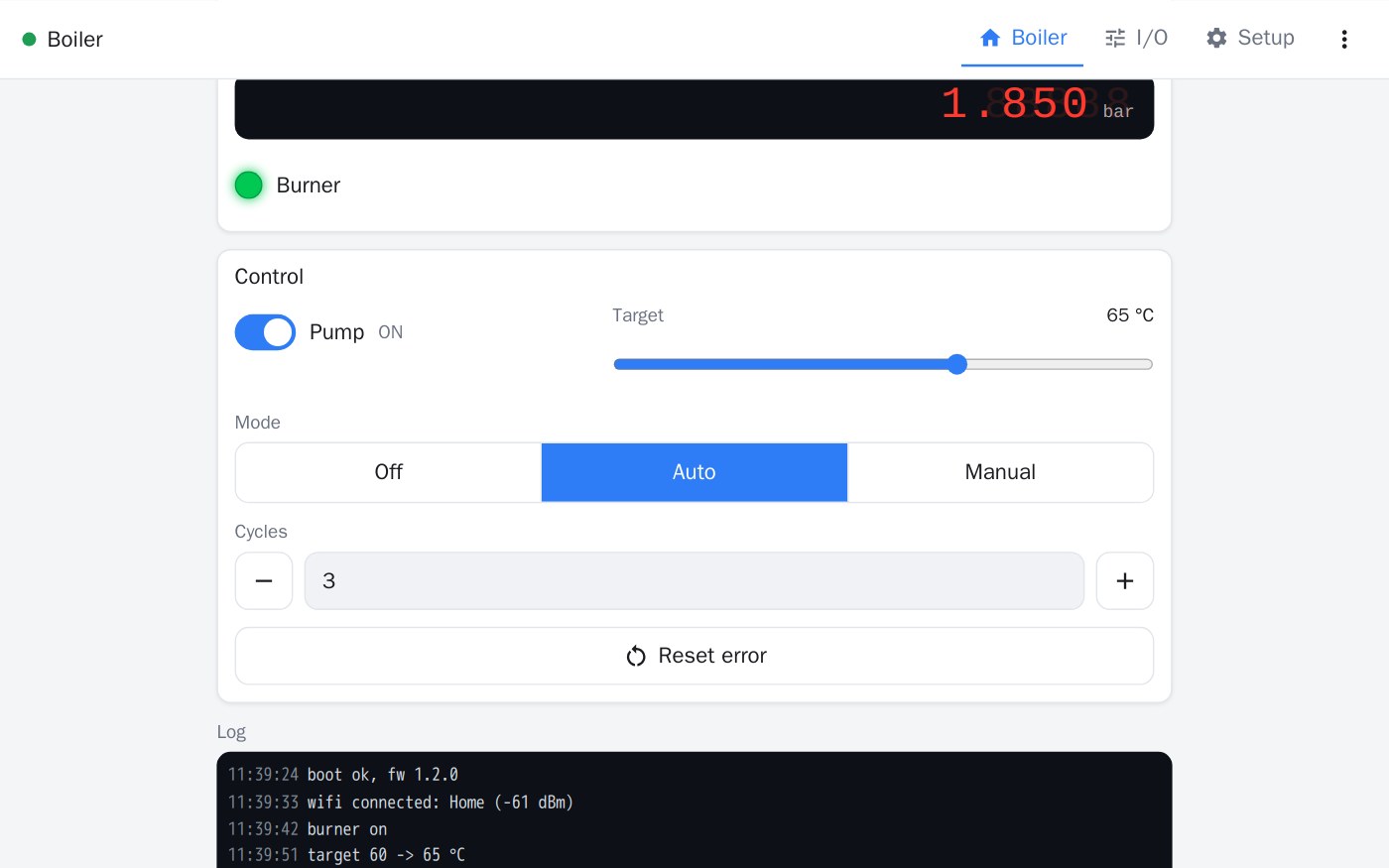
Each screen below comes from a device's firmware. The app only draws it.
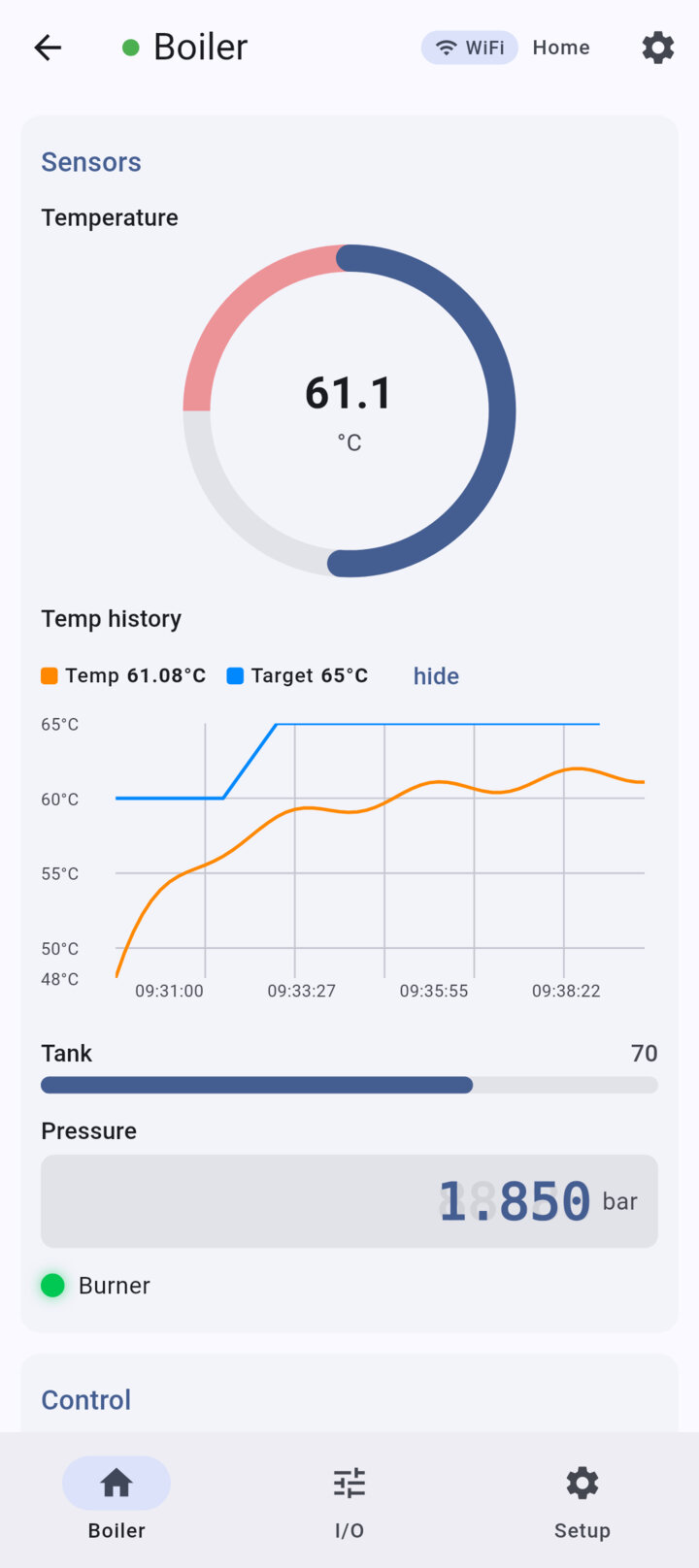
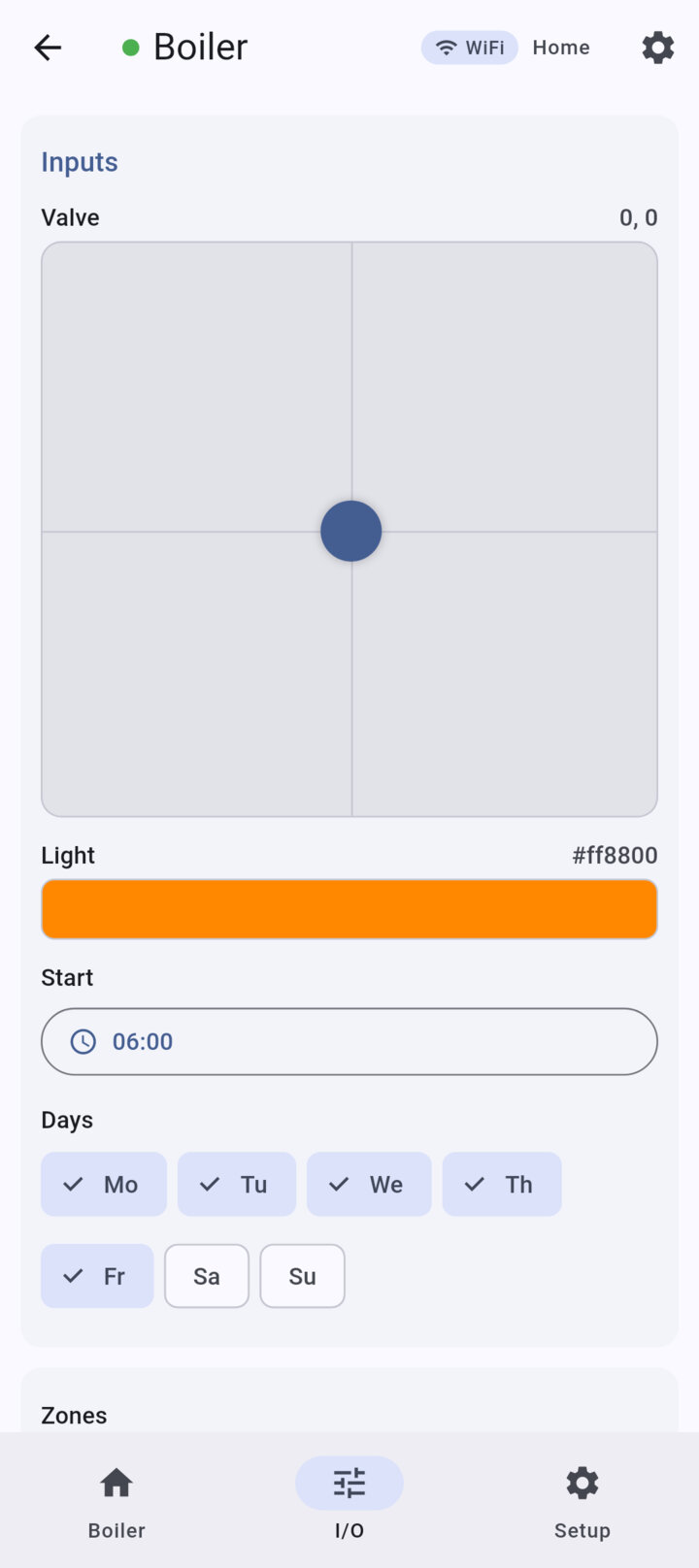
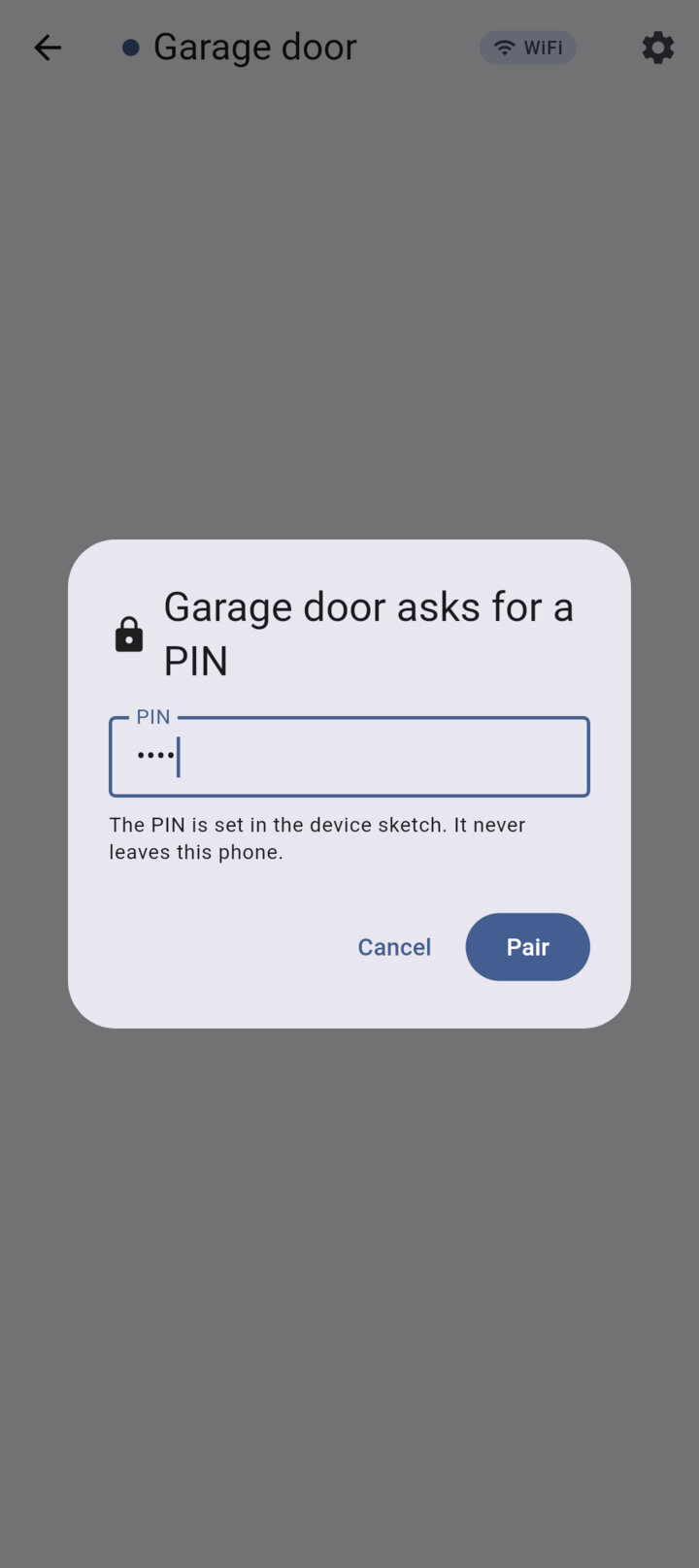
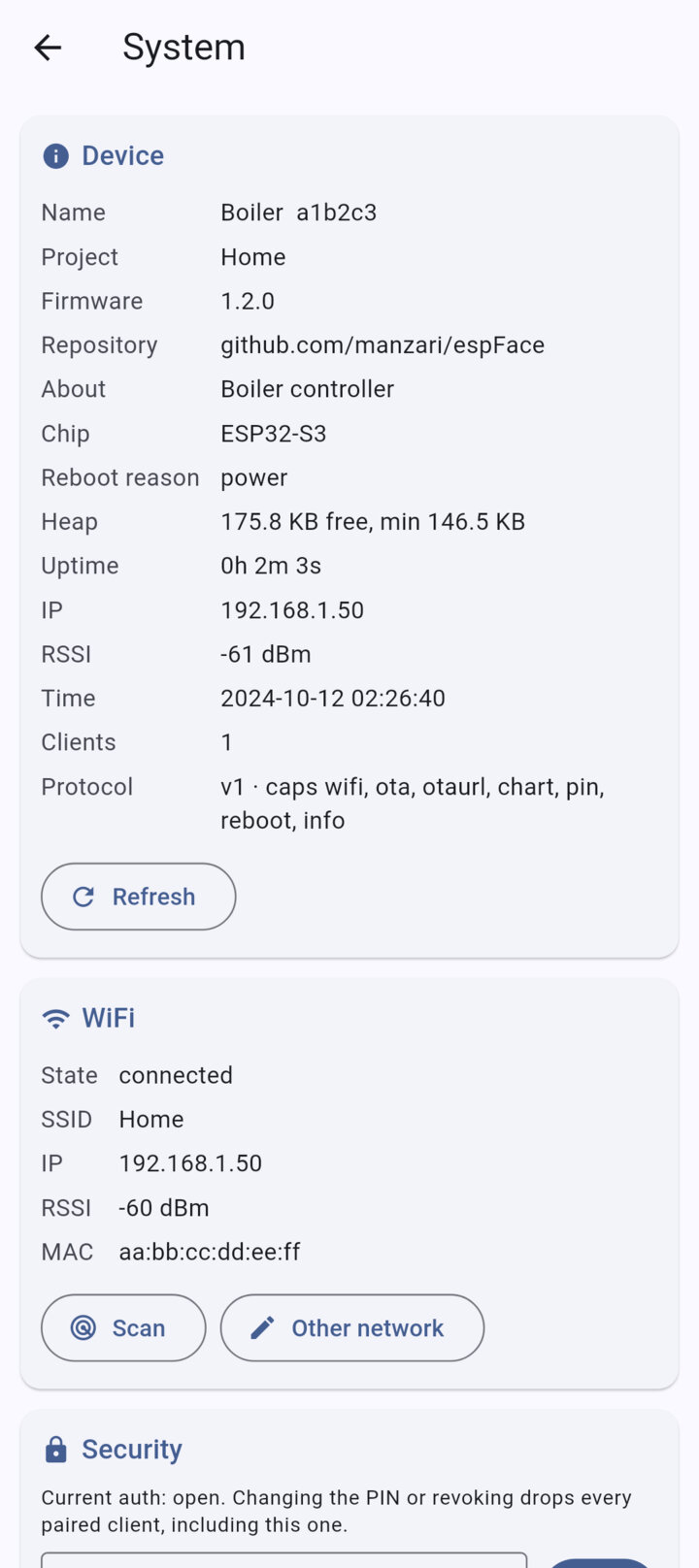
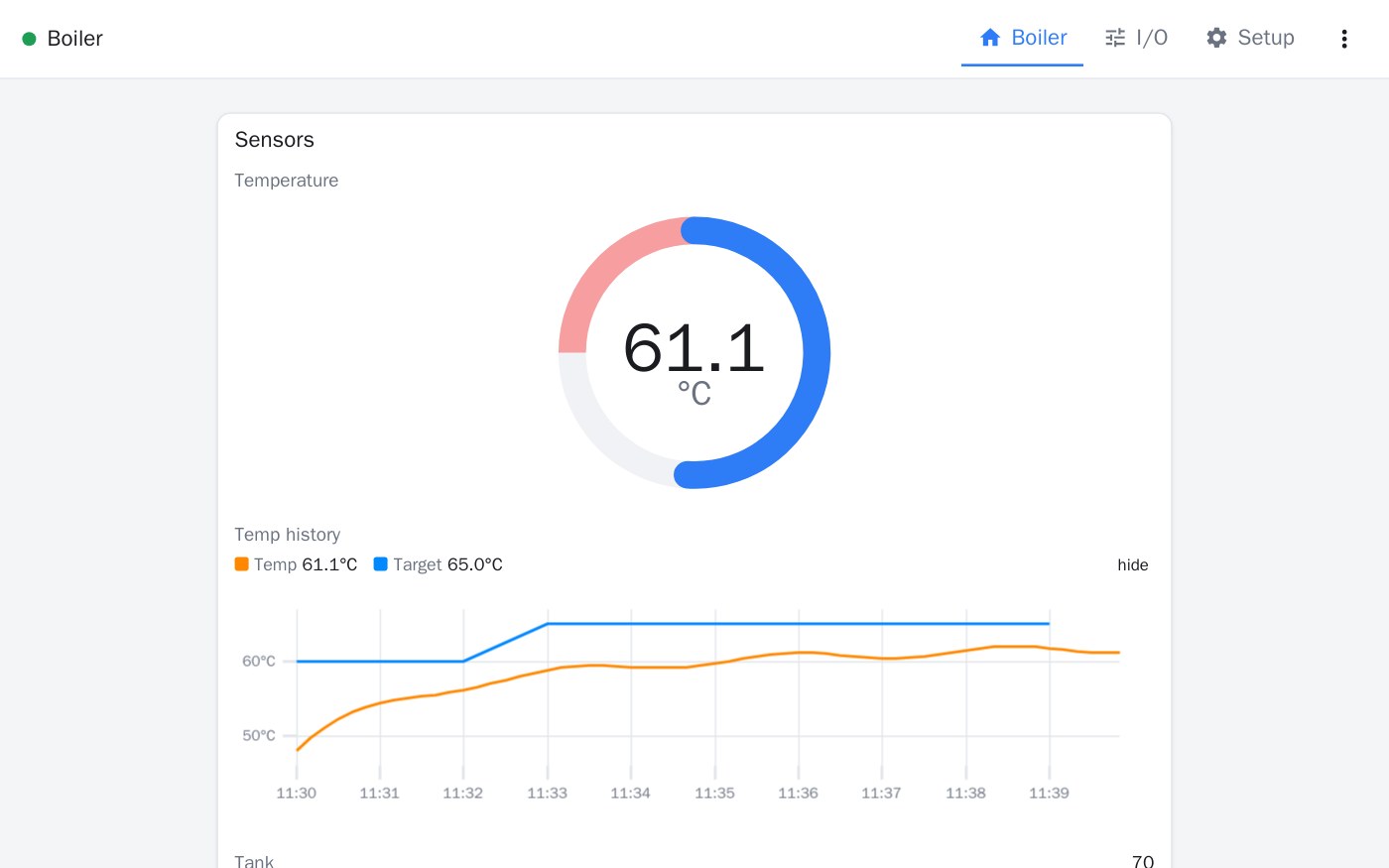
A device on WiFi also serves its screen as a web page. Open its address in any browser on your network: same widgets, same PIN pairing, nothing to install.
For Android 7.0 and later, from the manzari.dev F-Droid repository. Add the repository in your F-Droid client, then install espFace from there. The documentation takes you from a bare ESP32 to the first screen.